BambuLab P1S Review: The Best Entry Point into Smart 3D Printing?
Last updated: June 2025 | Reading time: 6 minutes
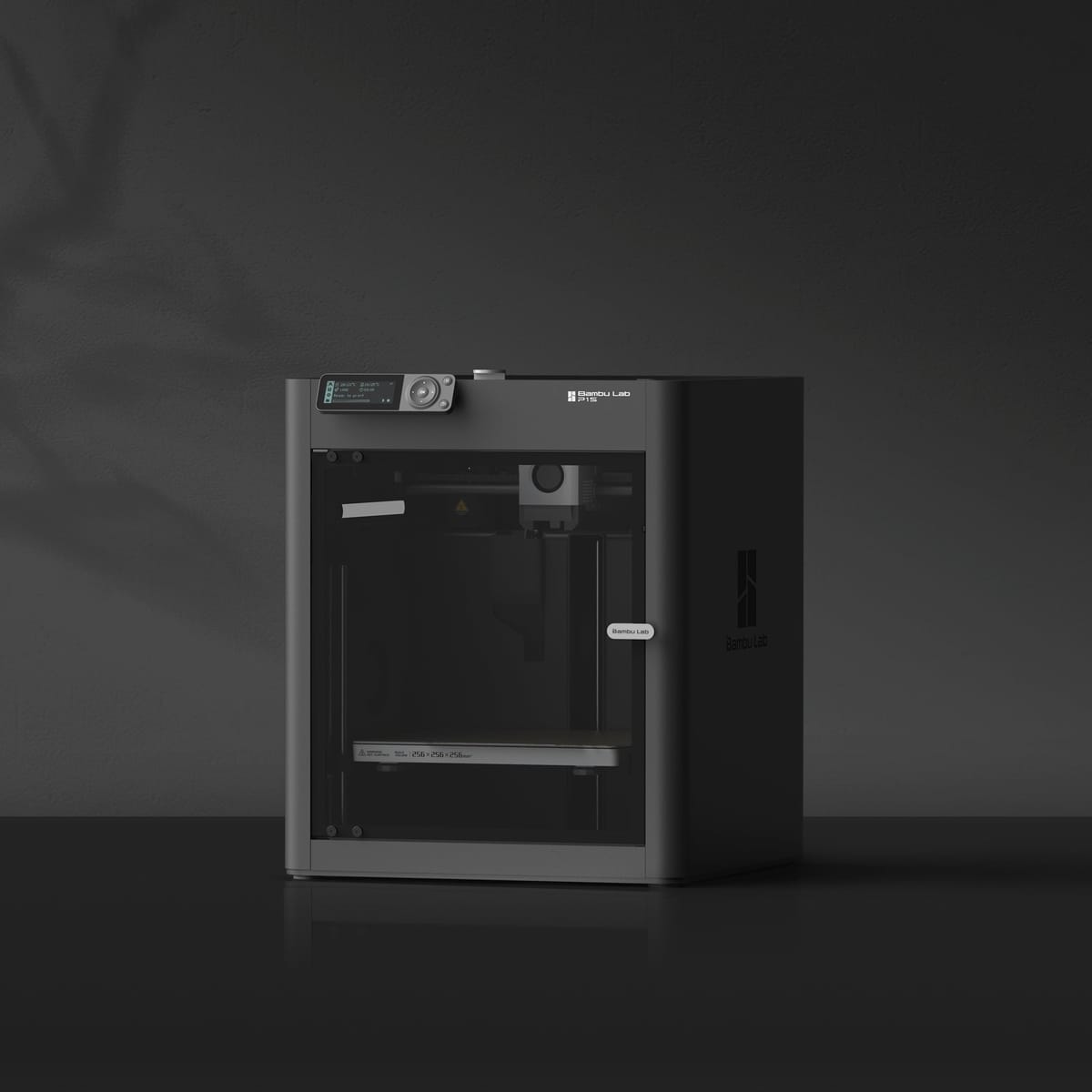
The BambuLab P1S has been a reliable workhorse since its release in 2023, promising prosumer-grade features at a price point that won't break the bank. But is it really the perfect printer for beginners and hobbyists looking to step up their game? After extensive testing, we're here to give you the complete breakdown.
Quick Verdict
Rating: 4.5/5 stars
The P1S delivers print quality that is on point and user-friendly automation that makes it ideal for beginners, while offering enough advanced features to keep hobbyists engaged. Some minor quirks are the only things keeping it from a perfect score.
What Makes the P1S Special?
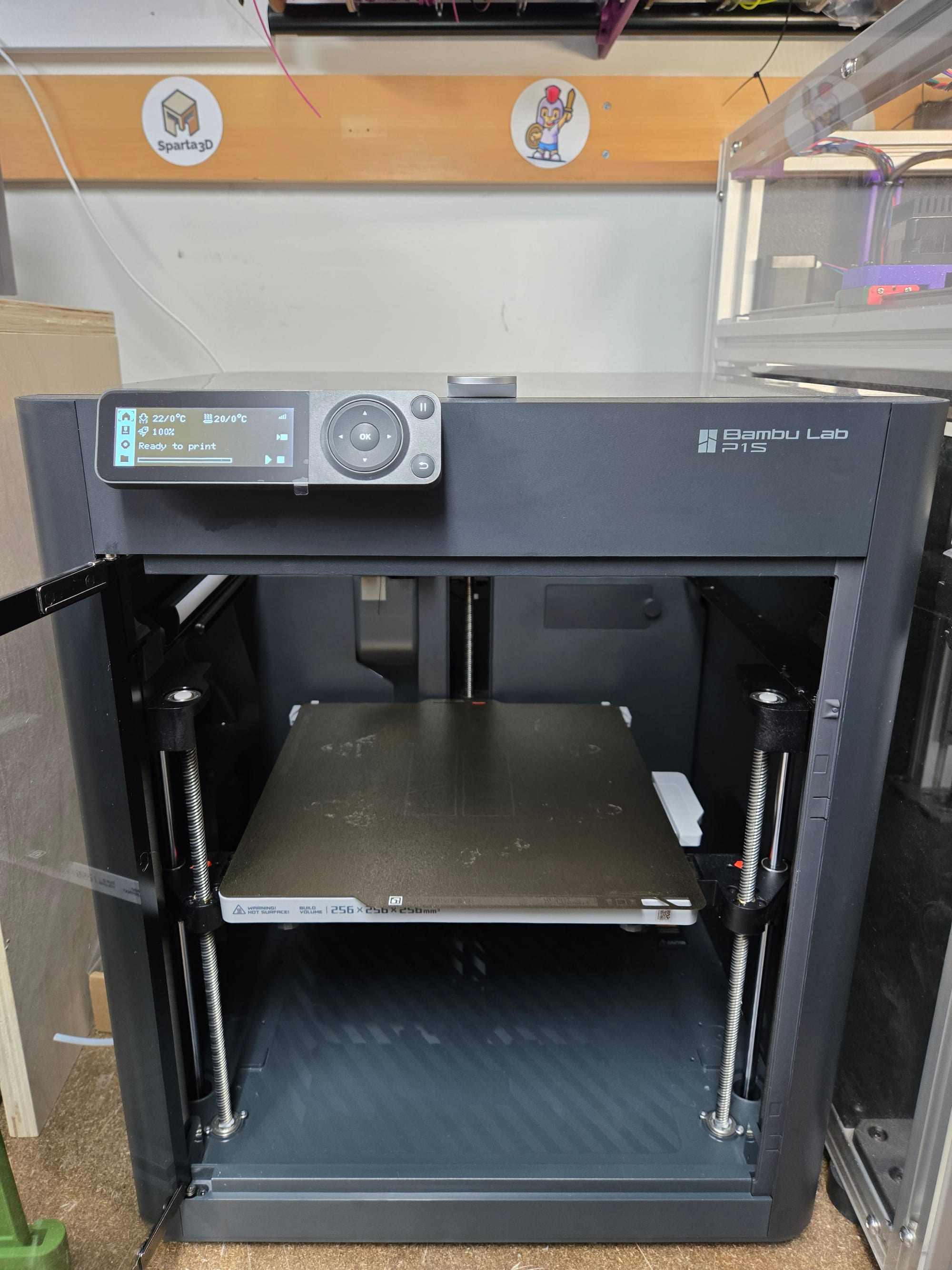
The BambuLab P1S sits in that sweet spot between beginner-friendly and feature-rich. It's essentially the A1 mini's bigger sibling, well with the A1 I guess it's more like its bigger cousin? Offering a larger build volume and solid construction while maintaining the company's signature enclosed look and ease of use.
Key Specifications:
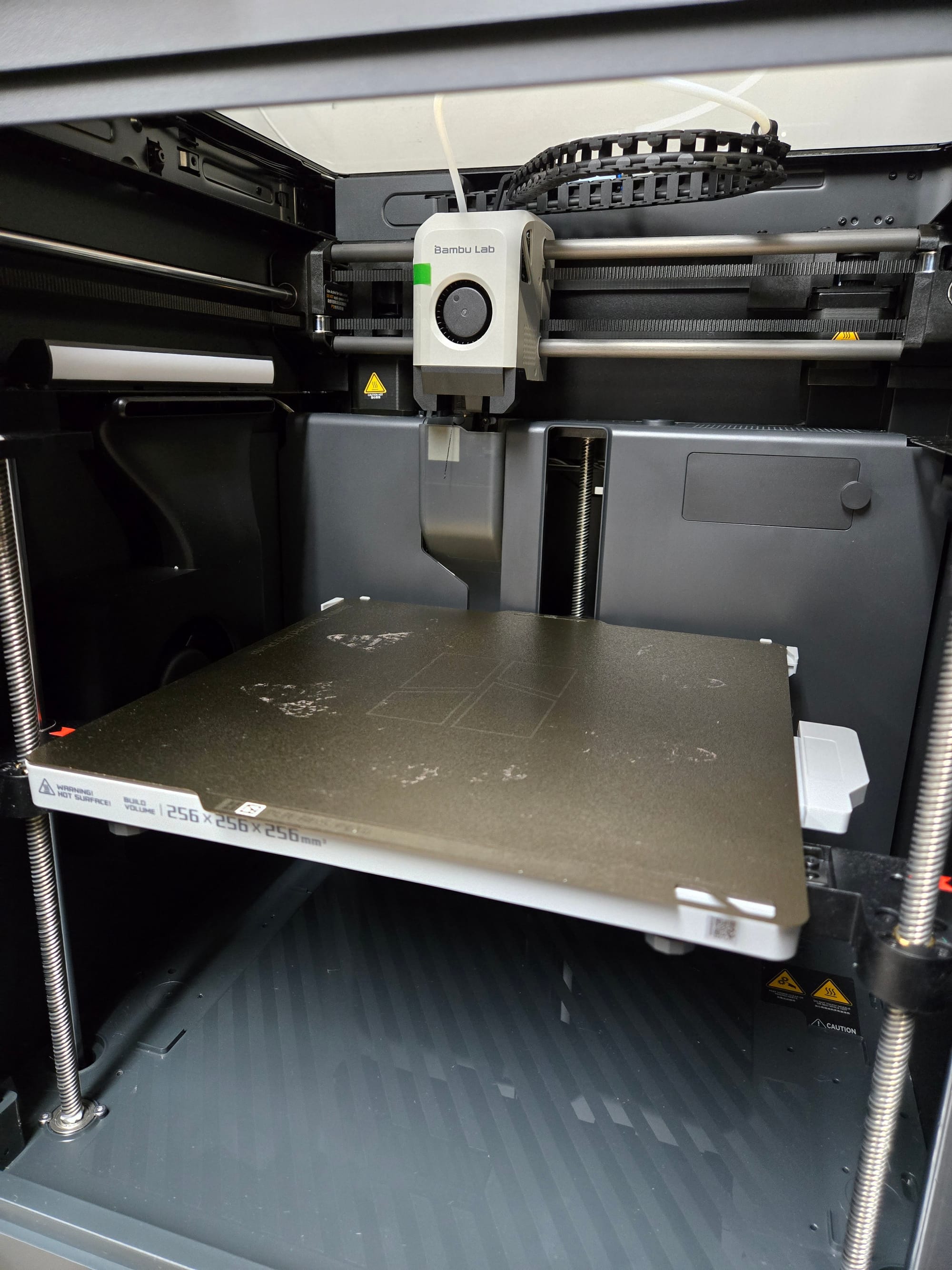
- Build Volume: 256 × 256 × 256 mm
- Print Speed: Up to 500mm/s (realistically 250-300mm/s for quality prints)
- Filament Compatibility: PLA, PETG, TPU, PVA, PET, ABS, ASA and more
- Max Hot End Temperature: 300 ℃
- Filament Run Out Sensor: Yes
- Connectivity: WiFi, MicroSD
- Price: Around $650 USD/ $900 CAD (regular price)
Setup and First Impressions
Assembly Time: 30 minutes
Right out of the box, the P1S impresses with its packaging and included accessories. BambuLab clearly put thought into the unboxing experience – everything is well-organized with clear labeling.
The process to get started is surprisingly straightforward. Unlike many printers that require hours of building and calibration, the P1S comes almost entirely pre-built. You'll mainly be removing the bed screws that keep it in place during shipping, attaching the spool holder if desired, plugging in cables, and running the automatic calibration sequence.
The software update, automatic bed leveling and calibration runs seamlessly. Within a half hour of opening the box, we were printing our first successful model – as someone who has built countless printers... that's something that would have taken half a day with traditional diy printers.
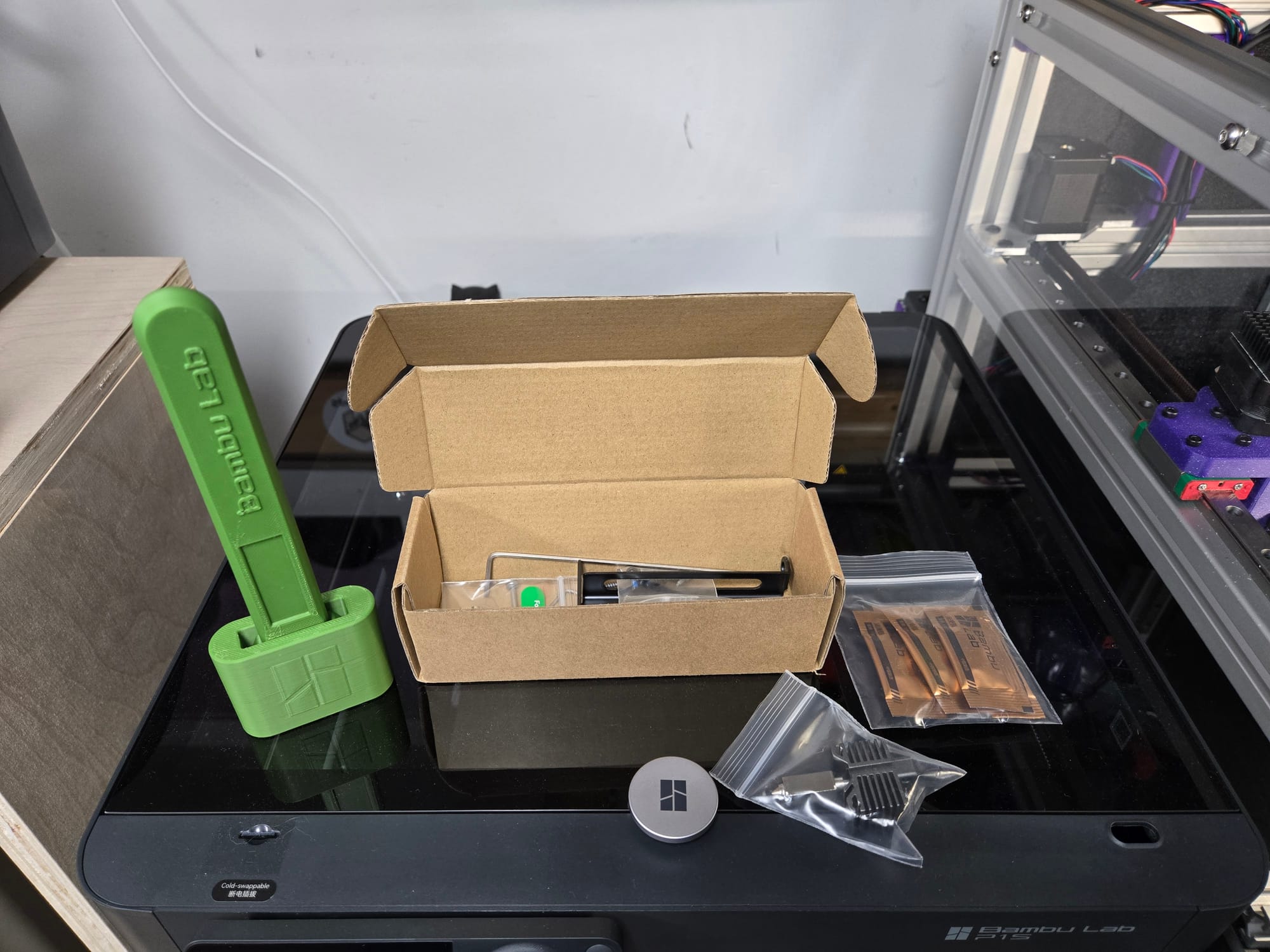
It did come with a little box of accessories, tools, lubricant, and a spare hot end:
Print Quality: Where the P1S Shines
This is where the P1S truly justifies its price tag. The print quality is consistently excellent across different materials and settings.
Our Test Results:
PLA Performance (9/10): Clean layers, minimal stringing, excellent detail reproduction. The automatic settings work perfectly for most PLA brands.
ABS/ASA Performance (9/10): Impressive results with minimal tuning. The enclosed chamber helps with temperature stability.
TPU/Flexible Filaments (8/10): With the bed only moving in the Z axis, the P1S handles flexible materials better than most printers in this price range, though you'll want to slow down speeds for best results.
Software and User Experience
BambuStudio: 8.5/10
BambuLab's slicer software is genuinely impressive for newcomers. The default settings work well 90% of the time, and the visual interface makes it easy to understand what each setting does.
Importing print profile files from BambuLab's Maker World that have been tested makes for a great experience with little guesswork to get good results.
Mobile App Experience: 9/10
The mobile app is where BambuLab really stands out. Remote monitoring, print progress notifications, and the ability to start prints from your phone make this feel like a modern appliance rather than a hobbyist tool.
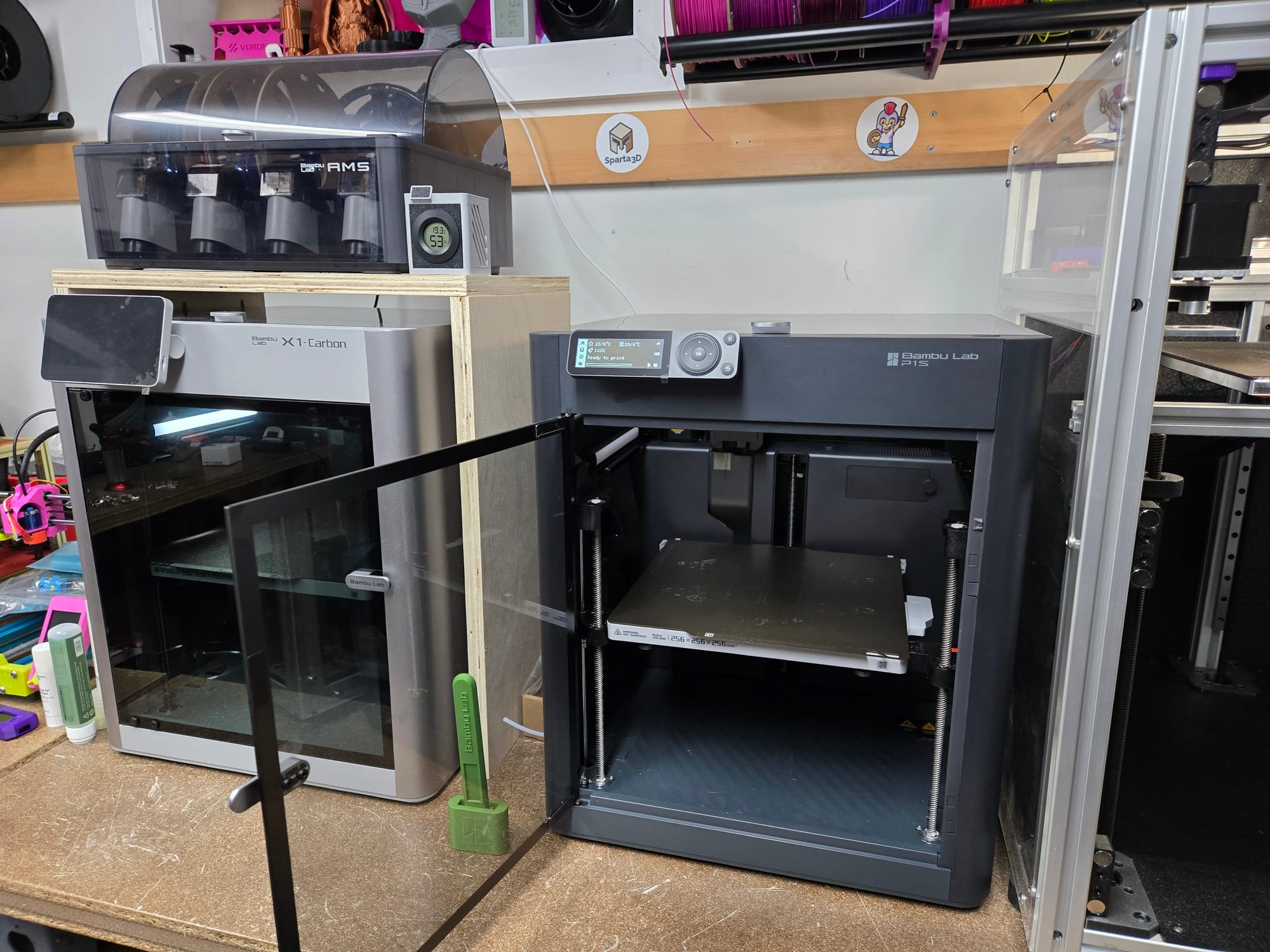
The built-in camera on the P1S is lacking compared to the X1C's, but it still does work for print monitoring.
What Beginners Will Love
Plug-and-Play Experience: Seriously, you can be printing quality models within an hour of unboxing.
Automatic Everything: Bed leveling, filament detection, printer calibration – the P1S handles the technical stuff so you can focus on creativity or just using it as a tool.
Excellent Documentation: Clear documentation and helpful video tutorials. As someone who has taken apart a BambuLab X1C down to barebones in the past to swap out an X Axis during a troubleshooting exercise, I used their documentation extensively and completed all the work.
Material Flexibility: Unlike some other open air beginner printers, the P1S handles a wider range of materials without major modifications due to it being enclosed from the factory.
What Hobbyists Will Appreciate
Speed Without Compromise: The P1S can print fast when you need it, but doesn't sacrifice quality for speed.
Upgrade Path: While great out of the box, there's room to grow with custom profiles, hardened extruder gears, and hardened nozzles for advanced materials, and both some community as well as some manufacturer modifications for the screen, or even a glass riser setup.
Consistent Results: Out of the box, we put the P1S straight to work printing a large amount of prints for a fundraiser.... the prints come out the same way every time – crucial for functional parts and multi-part projects.
The Drawbacks
Learning Curve for Enclosed Printing: If you're coming from an open-frame printer, the enclosed design takes some small adjusting. Heat management and ventilation become more important or else you risk a clog and the experience of repairing that.
Proprietary Ecosystem: BambuLab uses their own slicer and provides profiles for their own filaments. While third-party options certainly work, some may argue that you get the best experience staying in their ecosystem.
Limited Customization: The sleek design comes at the cost of easy modifications. Tinkerers might feel restricted compared to more open platforms.
Price Point: Although currently on sale for a steal at nearly $400USD/$560 CAD, it's regular price is $650 USD/$899 CAD. It's not exactly entry level budget-friendly, though the features justify the cost.
Real-World Performance
Over our testing period, the P1S printed over 200 hours of various projects:
- Reliability: We had a single failure and it was due to a purge "poop" that popped onto the plate and messed with the print. Otherwise, it worked perfectly well.
- Print Quality: We had no complaints here. We pushed through plate after plate of prints for a fundraiser and they all turned out amazing.
- Maintenance: Minimal – mostly just bed surface cleaning and ensuring the purge "poops" fully exited the chute.
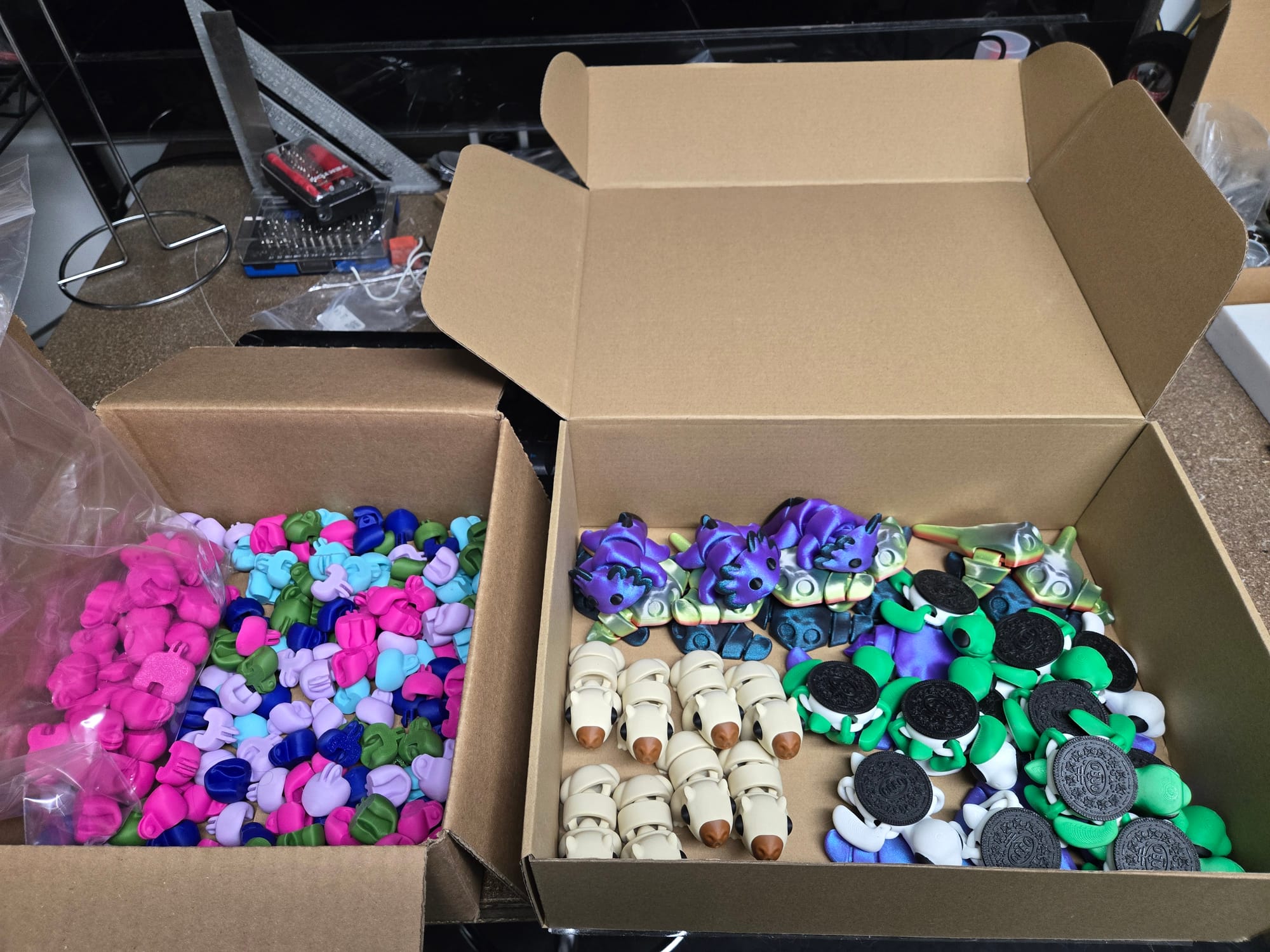
The printer handled everything from small fidgets to functional parts, consistently delivering results that exceeded our expectations for this price range.
Should You Buy the BambuLab P1S?
Yes, if you:
- Want professional results without the learning curve
- Value reliability and consistency over maximum customization
- Appreciate modern features like mobile monitoring
- Plan to print with various materials
- Want a printer that "just works"
Consider alternatives if you:
- Have a strict budget under $500
- Prefer maximum customization and modification potential
- Want the absolute largest build volume for the money
The Bottom Line
The BambuLab P1S represents the future of consumer 3D printing – smart, reliable, and surprisingly accessible. While it may not satisfy every tinkerer's desire for customization, it delivers on its core promise: making high-quality 3D printing accessible to everyone.
For beginners, it eliminates most of the traditional barriers to entry. For hobbyists, it provides a reliable platform that doesn't require constant attention. At it's mid-range price, it is a significant investment, but one that pays off in time saved and frustration avoided.
Final Score: 4.5/5 stars
The BambuLab P1S earns our "Highly Recommended" rating for beginners and hobbyists looking for their next printer upgrade.
What's Next? Subscribe to our newsletter for updates, and let us know in the comments what printer you'd like us to review next!
Have questions about the P1S or 3D printing in general? Drop them in the comments below – we read and respond to every one.